Sound Demo#
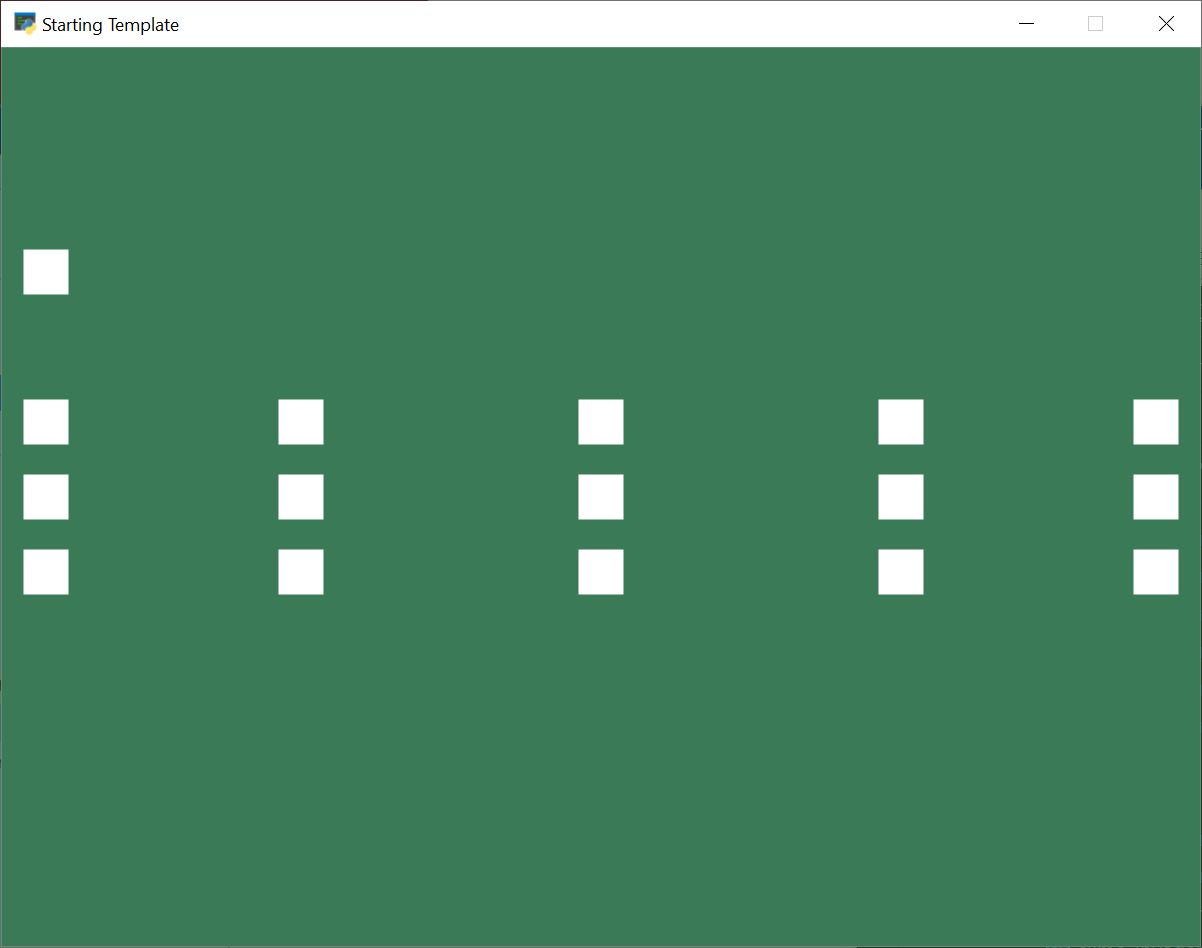
sound_demo.py#
1 2 3 4 5 6 7 8 9 10 11 12 13 14 15 16 17 18 19 20 21 22 23 24 25 26 27 28 29 30 31 32 33 34 35 36 37 38 39 40 41 42 43 44 45 46 47 48 49 50 51 52 53 54 55 56 57 58 59 60 61 62 63 64 65 66 67 68 69 70 71 72 73 74 75 76 77 78 79 80 81 82 83 84 85 86 87 88 89 90 91 92 93 94 95 96 97 98 99 100 101 102 103 104 105 106 107 108 109 110 111 112 113 114 115 116 117 118 119 120 121 122 123 124 125 126 127 128 129 130 131 132 133 134 135 136 137 138 | """ Sound Panning Demo If Python and Arcade are installed, this example can be run from the command line with: python -m arcade.examples.sound_demo Each button plays a sound when clicked. The top left button plays a streaming music track when pressed. If you click it while it's already playing, it will intentionally crash the demo to demonstrate how you shouldn't try to play a streaming sound that's already playing. The lower 3 rows of buttons play a non-streaming (static) sound with different panning and volume. Going from left to right changes the panning, which is how much the sound plays in the left speaker vs the right speaker. Lower rows play the sound louder than the higher ones. """ import typing import arcade SCREEN_WIDTH = 800 SCREEN_HEIGHT = 600 SCREEN_TITLE = "Sound Panning Demo" BUTTON_SIZE = 30 SOUND_PANNING = [-1.0, -0.5, 0.0, 0.5, 1.0] BUTTON_X_POSITIONS = [ BUTTON_SIZE, SCREEN_WIDTH / 4, SCREEN_WIDTH / 2, SCREEN_WIDTH / 4 * 3, SCREEN_WIDTH - BUTTON_SIZE, ] VOLUME_VARIATION = [0.1, 0.5, 1] Y_OFFSETS = [50, 0, -50] class SoundButton(arcade.SpriteSolidColor): """ A sprite that stores settings about how to play a sound. This class can load a sound as either a static sound or a streaming sound. Streaming should be used for long files that will only have one instance playing, such as music or ambiance tracks. If you try to play a sound created with streaming=True while it is already playing, it will raise an exception! Non-streaming (static) sounds are fine with it, and can have play() called on them as many times as you want. """ def __init__( self, sound_file, pan=0.5, volume=0.5, center_x=0, center_y=0, streaming=False ): super().__init__(BUTTON_SIZE, BUTTON_SIZE, arcade.color.WHITE) self.sound = arcade.Sound(sound_file, streaming=streaming) self.pan = pan self.volume = volume self.center_x = center_x self.center_y = center_y def play(self): self.sound.play(pan=self.pan, volume=self.volume) class MyGame(arcade.Window): def __init__(self, width, height, title): super().__init__(width, height, title) arcade.set_background_color(arcade.color.AMAZON) self.button_sprites = None def setup(self): self.button_sprites = arcade.SpriteList() # create the streaming button at the top left self.button_sprites.append( SoundButton( ":resources:music/funkyrobot.mp3", pan=-1.0, volume=0.1, center_x=BUTTON_SIZE, center_y=SCREEN_HEIGHT / 2 + 150, streaming=True ) ) # Position the grid of buttons # The zip function takes pieces from iterables and returns them # as tuples. For more information, see the python doc: # https://docs.python.org/3/library/functions.html#zip for vol, y_offset in zip(VOLUME_VARIATION, Y_OFFSETS): for pan_setting, x_pos in zip(SOUND_PANNING, BUTTON_X_POSITIONS): self.button_sprites.append( SoundButton( ":resources:sounds/upgrade4.wav", pan_setting, vol, x_pos, SCREEN_HEIGHT / 2 + y_offset, ) ) def on_draw(self): self.clear() self.button_sprites.draw() def on_update(self, delta_time): self.button_sprites.update() def on_mouse_press(self, x, y, button, key_modifiers): hit_sprites = arcade.get_sprites_at_point((x, y), self.button_sprites) for sprite in hit_sprites: button_sprite = typing.cast(SoundButton, sprite) if button == arcade.MOUSE_BUTTON_LEFT: button_sprite.play() def main(): game = MyGame(SCREEN_WIDTH, SCREEN_HEIGHT, SCREEN_TITLE) game.setup() arcade.run() if __name__ == "__main__": main() |