Sprite Properties#
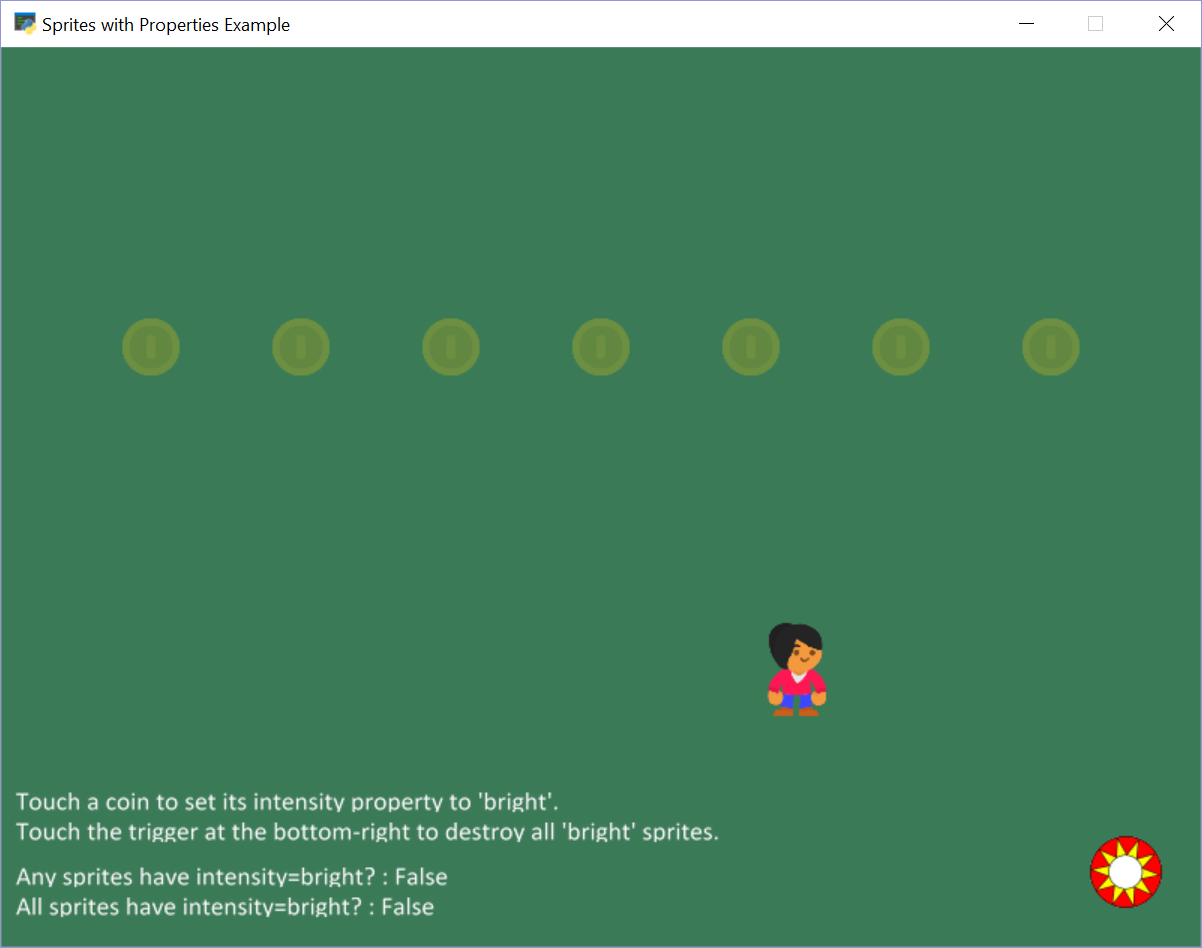
sprite_properties.py#
1 2 3 4 5 6 7 8 9 10 11 12 13 14 15 16 17 18 19 20 21 22 23 24 25 26 27 28 29 30 31 32 33 34 35 36 37 38 39 40 41 42 43 44 45 46 47 48 49 50 51 52 53 54 55 56 57 58 59 60 61 62 63 64 65 66 67 68 69 70 71 72 73 74 75 76 77 78 79 80 81 82 83 84 85 86 87 88 89 90 91 92 93 94 95 96 97 98 99 100 101 102 103 104 105 106 107 108 109 110 111 112 113 114 115 116 117 118 119 120 121 122 123 124 125 126 127 | """ Sprites with Properties Example Simple program to show how to store properties on sprites. Artwork from https://kenney.nl If Python and Arcade are installed, this example can be run from the command line with: python -m arcade.examples.sprite_properties """ import arcade # --- Constants --- SPRITE_SCALING_PLAYER = 0.5 SCREEN_WIDTH = 800 SCREEN_HEIGHT = 600 SCREEN_TITLE = "Sprites with Properties Example" class MyGame(arcade.Window): """ Our custom Window Class""" def __init__(self): """ Initializer """ # Call the parent class initializer super().__init__(SCREEN_WIDTH, SCREEN_HEIGHT, SCREEN_TITLE) # Variables that will hold sprite lists self.player_list = None self.coin_list = None # Set up the player info self.player_sprite = None # Set up sprite that will serve as trigger self.trigger_sprite = None # Don't show the mouse cursor self.set_mouse_visible(False) arcade.set_background_color(arcade.color.AMAZON) def setup(self): """ Set up the game and initialize the variables. """ # Sprite lists self.player_list = arcade.SpriteList() self.coin_list = arcade.SpriteList() # Set up the player # Character image from kenney.nl self.player_sprite = arcade.Sprite(":resources:images/animated_characters/female_person/femalePerson_idle.png", SPRITE_SCALING_PLAYER) self.player_sprite.center_x = 50 self.player_sprite.center_y = 150 self.player_list.append(self.player_sprite) # Create the sprites for x in range(100, 800, 100): coin = arcade.Sprite(":resources:images/items/coinGold.png", scale=0.3, center_x=x, center_y=400) coin.intensity = 'dim' coin.alpha = 64 self.coin_list.append(coin) # Create trigger self.trigger_sprite = arcade.Sprite(":resources:images/pinball/bumper.png", scale=0.5, center_x=750, center_y=50) def on_draw(self): """ Draw everything """ self.clear() self.coin_list.draw() self.trigger_sprite.draw() self.player_list.draw() # Put the instructions on the screen. instructions1 = "Touch a coin to set its intensity property to 'bright'." arcade.draw_text(instructions1, 10, 90, arcade.color.WHITE, 14) instructions2 = "Touch the trigger at the bottom-right to destroy all 'bright' sprites." arcade.draw_text(instructions2, 10, 70, arcade.color.WHITE, 14) # Query the property on the coins and show results. coins_are_bright = [coin.intensity == 'bright' for coin in self.coin_list] output_any = f"Any sprites have intensity=bright? : {any(coins_are_bright)}" arcade.draw_text(output_any, 10, 40, arcade.color.WHITE, 14) output_all = f"All sprites have intensity=bright? : {all(coins_are_bright)}" arcade.draw_text(output_all, 10, 20, arcade.color.WHITE, 14) def on_mouse_motion(self, x, y, dx, dy): """ Handle Mouse Motion """ # Move the center of the player sprite to match the mouse x, y self.player_sprite.center_x = x self.player_sprite.center_y = y def on_update(self, delta_time): """ Movement and game logic """ # Call update on all sprites (The sprites don't do much in this # example though.) self.coin_list.update() # Generate a list of all sprites that collided with the player. coins_hit_list = arcade.check_for_collision_with_list(self.player_sprite, self.coin_list) # Loop through each colliding sprite to set intensity=bright for coin in coins_hit_list: coin.intensity = 'bright' coin.alpha = 255 hit_trigger = arcade.check_for_collision(self.player_sprite, self.trigger_sprite) if hit_trigger: intense_sprites = [sprite for sprite in self.coin_list if sprite.intensity == 'bright'] for coin in intense_sprites: coin.remove_from_sprite_lists() def main(): """ Main function """ window = MyGame() window.setup() arcade.run() if __name__ == "__main__": main() |